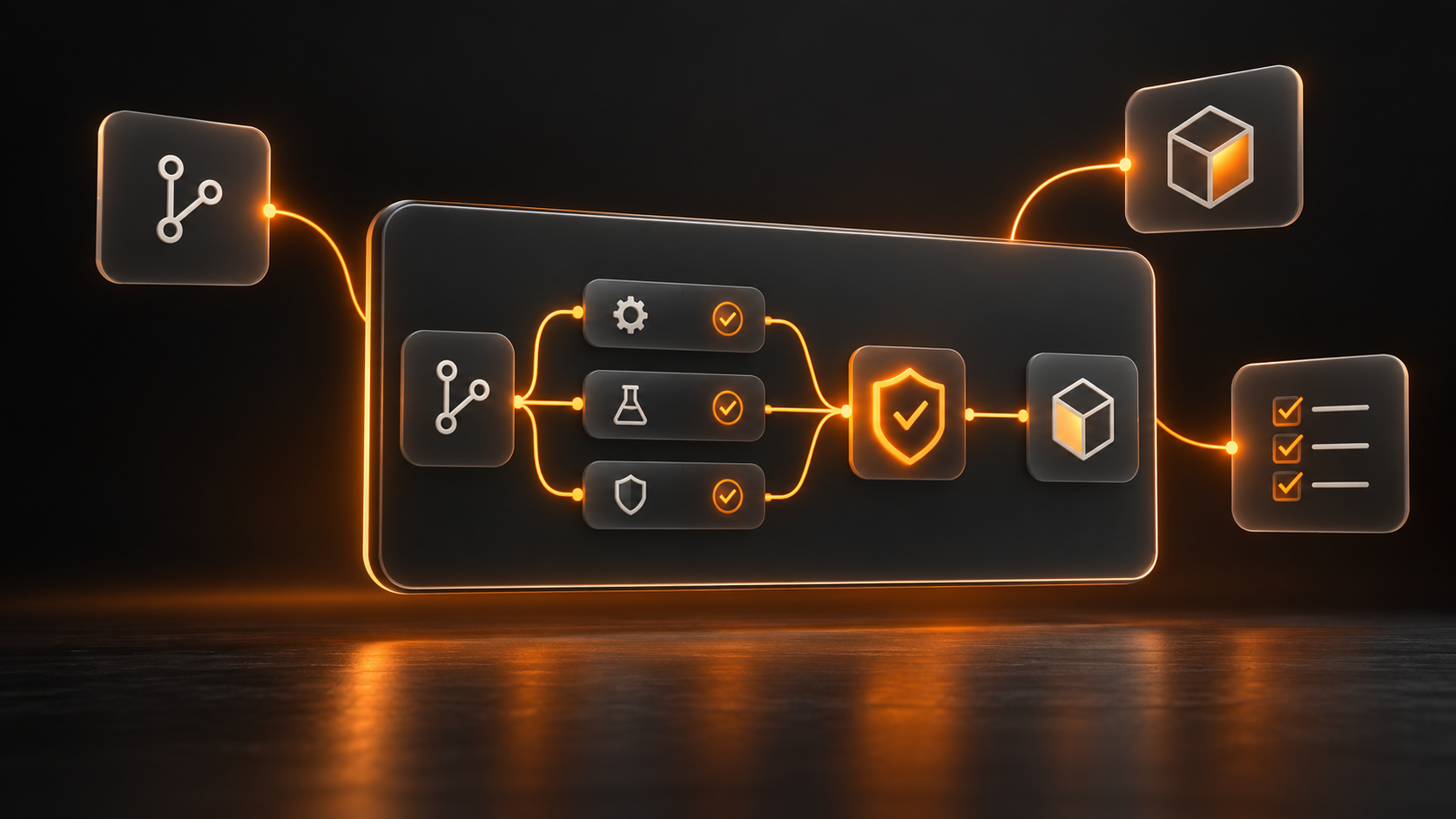
CI/CD Pipeline Setup for Test Automation: Complete Checklist
A complete rundown of what every CI/CD pipeline needs for reliable test automation.
Your Automation Tests Are Only As Good As Your Pipeline
You've written solid automation tests. They pass locally. But when they run in CI/CD, they fail randomly. Tests time out. Flaky tests plague your pipeline. You lose confidence in automation.
The problem isn't your tests. It's your pipeline. Most teams don't configure CI/CD properly for test automation. They use default settings. They don't parallelize. They don't manage test data. They don't fail fast.
Here's what a bulletproof CI/CD pipeline for automation actually requires. And how to build it.
Which CI/CD Platform Should You Use?
Your choice of CI/CD platform affects everything: test execution speed, parallel capabilities, cost, and ease of setup. Here's how the major platforms compare for test automation:
Platform | Test Execution Speed | Parallelization | Cost Model | Setup Complexity |
|---|---|---|---|---|
Jenkins | Very fast (self-hosted) | Excellent (agents) | Self-hosted (free) | High (complex configuration) |
GitLab CI | Fast (SaaS + self-hosted) | Excellent (native) | SaaS or self-hosted | Low (YAML configuration) |
GitHub Actions | Fast (cloud-native) | Good (matrix strategy) | Per-minute usage | Low (simple YAML) |
CircleCI | Very fast (cloud) | Excellent (built-in) | Per-credit model | Low ( |
Bitbucket Pipelines | Fast (cloud) | Good (step parallelism) | Per-minute usage | Low (YAML configuration) |
Azure Pipelines | Fast (Microsoft cloud) | Excellent (jobs/phases) | Free for public repositories | Medium (YAML learning curve) |
Recommendation: GitLab CI and CircleCI are fastest to set up. Jenkins offers the most control if you are willing to manage infrastructure.
The Complete CI/CD Automation Checklist
Every bulletproof automation pipeline needs these components. Check each one:
Requirement | Why Critical | Implementation |
Automated test trigger on commit | Tests must run immediately after code merge | Webhook on push event |
Parallel test execution | 100 tests in series equals 30 min. In parallel equals 3 min. | Split tests across agents and workers |
Isolated test environment | Prevents test interference and flaky failures | Fresh DB, reset cache, clean state per run |
Automatic test data setup | Hardcoded data makes tests brittle | API calls to create users and data before tests |
Timeout and retry logic | Network delays cause flaky failures | Retry failed tests 1-2 times, set reasonable timeouts |
Detailed failure reporting | Generic failures kill productivity | Screenshots, logs, video on failure |
Test result aggregation | Teams need to see which tests failed | JUnit XML, HTML reports, dashboard |
Fail-fast on critical tests | Do not waste 20 minutes testing if login is broken | Stop pipeline if smoke tests fail |
Artifacts and logs retention | Debugging failures requires historical data | Keep artifacts for 30 days minimum |
Notifications on failure | Teams need to know immediately | Slack, email, or dashboard alerts |
The Five Stages Of A Bulletproof Pipeline
Stage 1: Trigger (0 seconds)
Code is pushed. Webhook fires. Pipeline starts automatically. No manual intervention. Configuration: Set your VCS (Git, GitLab) to trigger on any push to main and develop branches.
Stage 2: Setup (30-60 seconds)
Clone repo, install dependencies, create fresh test database, reset test environment. Everything is clean. No leftover state from previous runs. This prevents flakiness.
Stage 3: Run Tests (1-30 minutes depending on parallelization)
Tests execute in parallel. 100 tests across 10 agents equals 3 minutes. Without parallelization equals 30 minutes. Use your platform native parallelization (GitHub Actions matrix, GitLab parallel, CircleCI fan-out).
Stage 4: Report (30 seconds)
Collect test results, generate HTML report, upload artifacts (screenshots, logs, video). Push results to a dashboard. Notify team of pass or fail.
Stage 5: Deploy or Fail (Depends on results)
If tests pass, optionally deploy to staging. If tests fail, block deployment to production. Fail early. Fail loudly.
5 Mistakes That Kill CI/CD Automation
Not parallelizing tests. Result: 30-minute feedback loop. Team loses patience.
Hardcoding test data. Result: Tests break when test environment resets.
No test isolation. Result: Test 1 creates data that breaks Test 2. Flaky failures.
Vague failure messages. Result: Engineer spends 30 minutes debugging generic test failures.
Not failing fast. Result: Smoke tests fail, but you still run 500 other tests for 20 minutes.