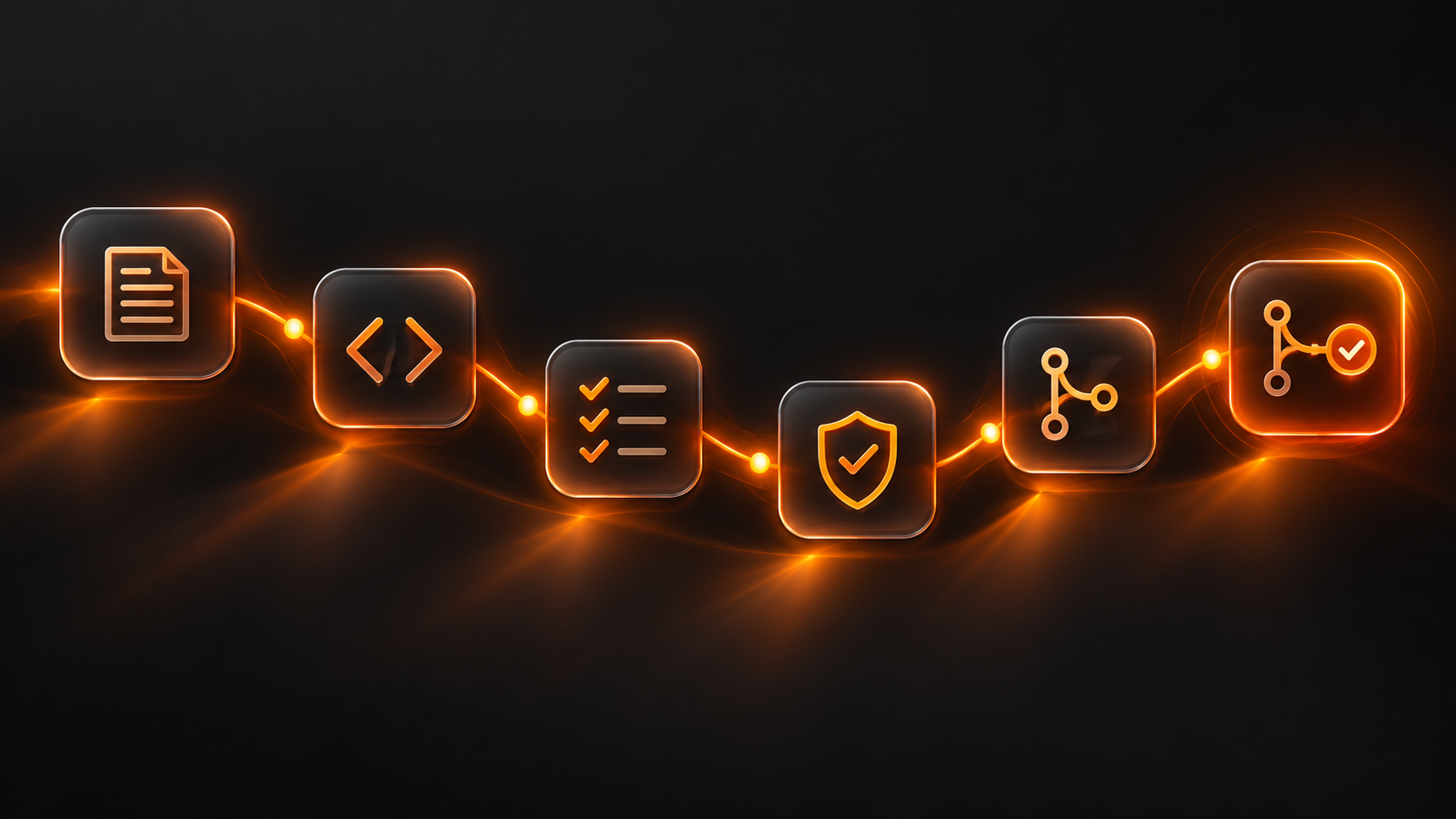
How to Use Full-loop demo to Fix every stage of the SDLC
A full-loop demo means one thing: you take a feature from spec to merged, tested, deployed PR in a single continuous run. No switching contexts. No manual handoffs. No waiting for reviews. Here is how to do it.
What is a full-loop demo?
A full-loop demo takes a feature request through every stage of the SDLC:
Spec: translates requirements into acceptance criteria
Code: generates implementation from spec
Test: creates tests for the implementation
Security: scans for vulnerabilities
Review: submits a PR with all context
Merge: PR gets approved and merged
All in one continuous run. No human intervention between stages.
Why does this matter? Because it compresses a 3-day process into 30 minutes.
The SDLC stages at a glance
Stage 1: Spec — 0-2 min
Transform Jira ticket into structured requirements
Stage 2: Code — 2-10 min
Generate implementation from spec
Stage 3: Test — 10-18 min
Create and execute test suite
Stage 4: Security — 18-22 min
Run SAST, dependency checks, secret scanning
Stage 5: Review — 22-25 min
Auto-generate PR with description and context
Stage 6: Merge — 25-30 min
CI/CD runs, PR approved, code merged
Stage 1: From Jira ticket to structured spec (0-2 min)
What happens
Start with a Jira ticket:
"Add user profile editing." That is all the spec you have.
The full-loop demo transforms this into:
User story with context
Acceptance criteria (AC)
Edge cases to consider
API contract (if applicable)
Database schema changes
How to do it
Paste the Jira ticket into your full-loop tool.
The tool generates structured spec with: • User story: 'As a [user], I want to [action] so I can [outcome]' • 5-7 acceptance criteria written in Gherkin • Edge cases: what if user has no profile? What if update fails? • API contract: input/output shapes
Review and edit if needed (usually not needed). Output: a structured spec ready for code generation. Stage 2: From spec to code (2-10 min) What happens The tool reads the spec and generates implementation code. For a user profile endpoint, it generates: • Route handler (/api/users/{id}/profile) • Request validation • Database queries • Error handling • Response formatting How to do it
Hit 'Generate Code' in the full-loop tool.
Specify your tech stack (Node + Express, Python + FastAPI, Go, etc).
The tool generates code that matches your codebase style.
Code is linted and formatted automatically. Output: production-ready code, ready for tests.
Stage 3: From code to tests (10-18 min)
What happens
The tool analyzes the generated code and creates tests.
Tests cover:
Happy path (user updates profile successfully)
Validation errors (invalid email, missing name)
Authorization (user can only edit their own profile)
Edge cases (profile has no photo, max text length)
Error paths (database down, network timeout)
How to do it
Hit 'Generate Tests' in the full-loop tool.
Specify your test framework (Jest, Pytest, Go testing, etc).
The tool generates tests with: • Unit tests for validation logic • Integration tests for API routes • Mock external dependencies
Tests run automatically. Full suite completes in 3-5 minutes. Output: passing test suite. Code coverage reported.
Stage 4: From code to security scan (18-22 min)
What happens
The tool runs security checks:
SAST (Static Application Security Testing) — finds code vulnerabilities
Dependency checks — detects known vulnerable packages
Secret scanning — ensures no hardcoded credentials
License compliance — checks for GPL violations
How to do it
Hit 'Run Security Scan' in the full-loop tool.
The tool runs all checks in parallel.
Results are summarized: • High-severity findings: blocks merge • Medium-severity: requires review • Low-severity: warning only
Common issues are auto-fixed (dependency updates, formatting). Output: security report. Code ready for review.
Stage 5: From code to PR (22-25 min)
What happens
The tool creates a GitHub/GitLab PR with:
Clear title (auto-generated from spec)
Description with context from Jira ticket
Testing checklist (manual tests users should run)
Deployment notes (what changed, what might break)
Links to spec, tests, security report
How to do it
Hit 'Create PR' in the full-loop tool.
PR is created against your main branch.
PR description is auto-populated with: • Closes: [Jira ticket] • Changes: clear summary • Testing: manual test steps • Breaking changes: any API changes?
Assign reviewers (if not automated). Output: PR ready for code review.
Stage 6: From PR to merged code (25-30 min) What happens Your CI/CD pipeline runs: • Code linting and formatting • Unit and integration tests • Build step (if applicable) • Automated security checks (again) • Performance regression checks If all pass, PR can be auto-merged (if configured). How to do it
Push the PR (step 5 already did this).
CI/CD runs automatically.
If CI passes, PR can be merged immediately (no manual review needed if this is a demo).
For real production code, you would add a human review step between step 5 and 6. Output: code merged to main. Feature ready for deployment.Timing: the real numbers
Here is how long each stage actually takes:
Spec generation: 1-2 minutes (mostly waiting for LLM)
Code generation: 4-8 minutes (varies by complexity)
Test generation: 5-8 minutes (test suite runs)
Security scan: 3-4 minutes (parallel scanning)
PR creation: 1-2 minutes (mostly fast)
CI/CD + merge: 5-10 minutes (depends on your CI)
Total: 25-35 minutes for a complete feature. Compare that to 3 days of manual work.
Running your first full-loop demo
Step 1: Pick a small feature.
Not a complex feature (save that for later)
Something with clear requirements
Example: 'Add user preferences page' or 'Export data to CSV'
Step 2: Create a Jira ticket with clear description.
Step 3: Paste the ticket into the full-loop tool.
Step 4: Hit 'Run Full Loop.'
Step 5: Watch it work. It takes 30 minutes.
Step 6: Review the output:
Does the generated code match your codebase style?
Do the tests cover the requirements?
Did security scanning find anything?
Is the PR description clear?
Step 7: Merge (or review and merge).
Take a feature from spec to merged PR in one run. Try it on your project https://www.walnutai.ai/