External MCP Integration — Every Tool Your Team Uses, Available Inside WalnutAI's Code Editor.
Connect external MCP servers — Figma, GitHub, databases, internal APIs, and more — directly into WalnutAI's code editor. Your AI agents work with every tool your team uses, with zero context switches.
Trusted by teams who need their AI to work with their entire stack
Of MCP-compatible tools and servers available to connect — Figma, GitHub, Notion, databases, and more
Context switches needed to pull in data from external tools while coding in WalnutAI
Internal API, database, or proprietary tool your team builds an MCP server for can be plugged straight in
Your AI agent shouldn't have to stop at the edge of your code editor
Most AI code editors are closed boxes — the agent can read and write files, but the moment it needs to reference a Figma design, query a database, check a GitHub issue, or call an internal service, it stops. WalnutAI's code editor supports the Model Context Protocol standard, meaning any external MCP server your team connects becomes a live tool the AI agent can use as it works — no copy-pasting from other tabs, no re-explaining what the design says or what the database schema looks like.
Connect any external MCP server directly into WalnutAI
WalnutAI’s code editor supports connecting external MCP servers — Figma, GitHub, Notion, Slack, databases, internal APIs, or any custom MCP server your team builds. Once connected, the tools those servers expose are available to WalnutAI’s AI agents as callable actions during code generation, planning, and analysis.
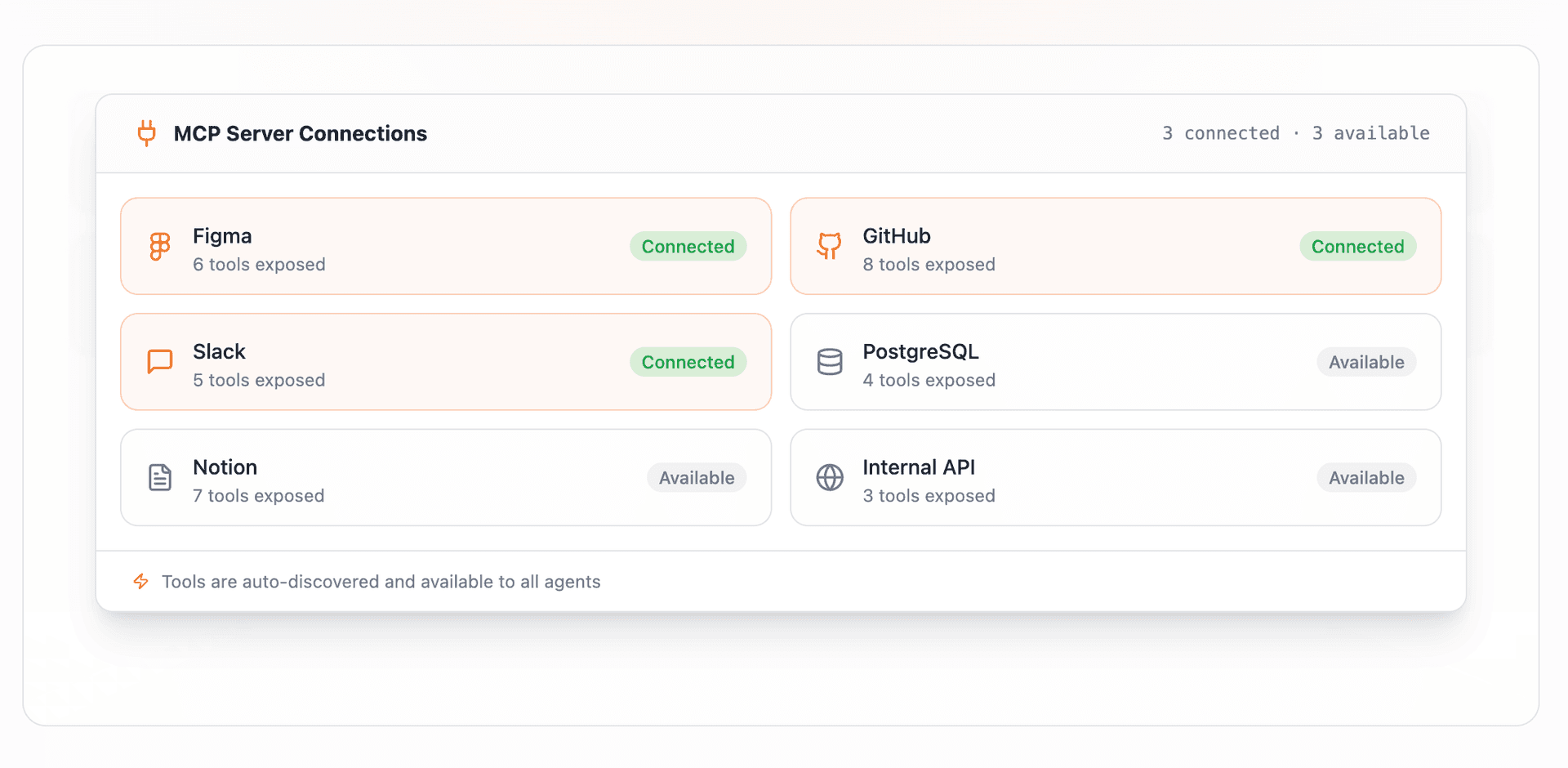
Agents use external tools as naturally as they use your codebase
When an agent needs to reference a Figma screen to implement a UI story, check a GitHub issue for context, or query a live database schema before writing a migration — it calls the connected MCP tool directly. No developer needs to copy the information across. The agent goes and gets it.
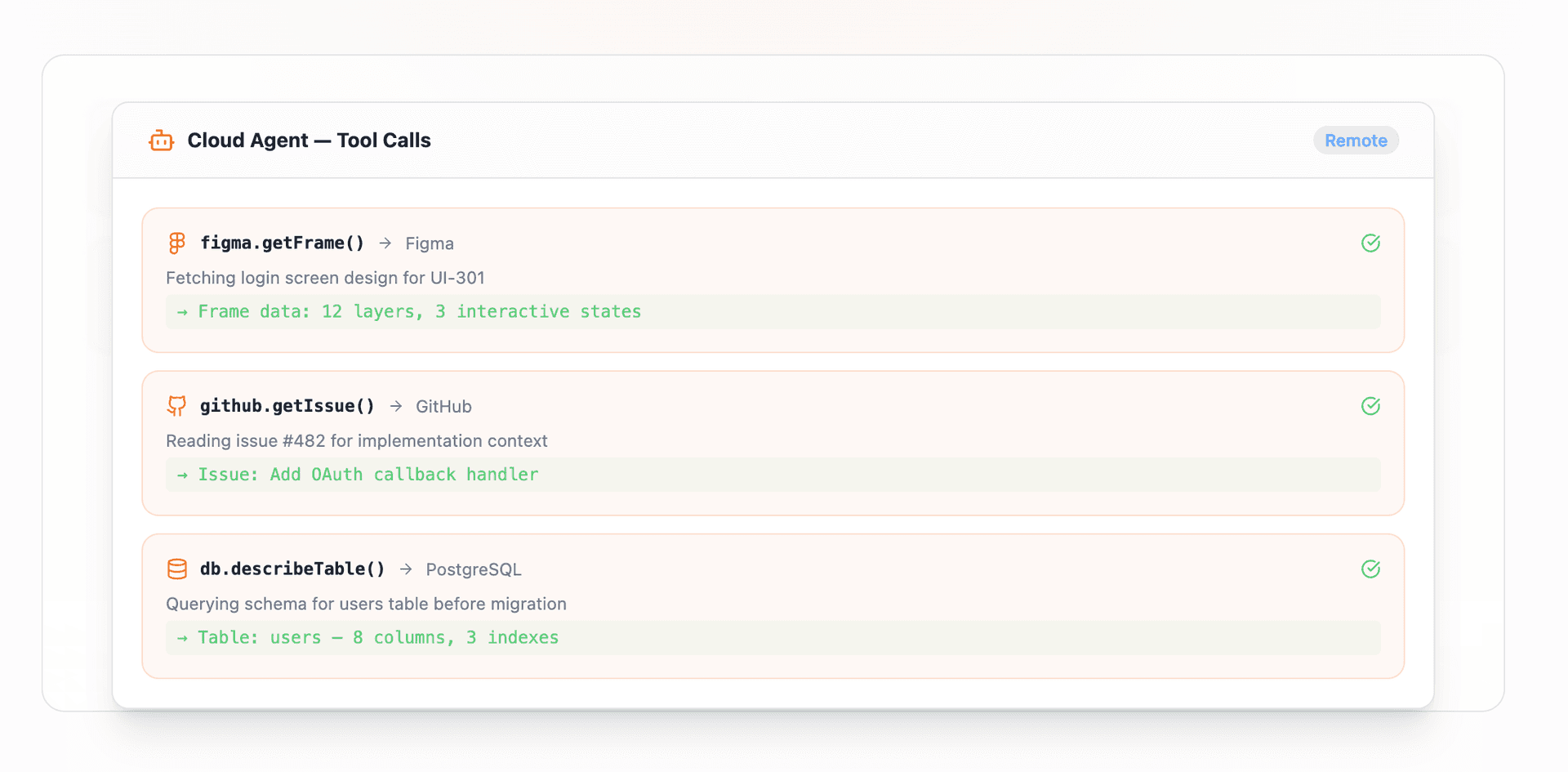
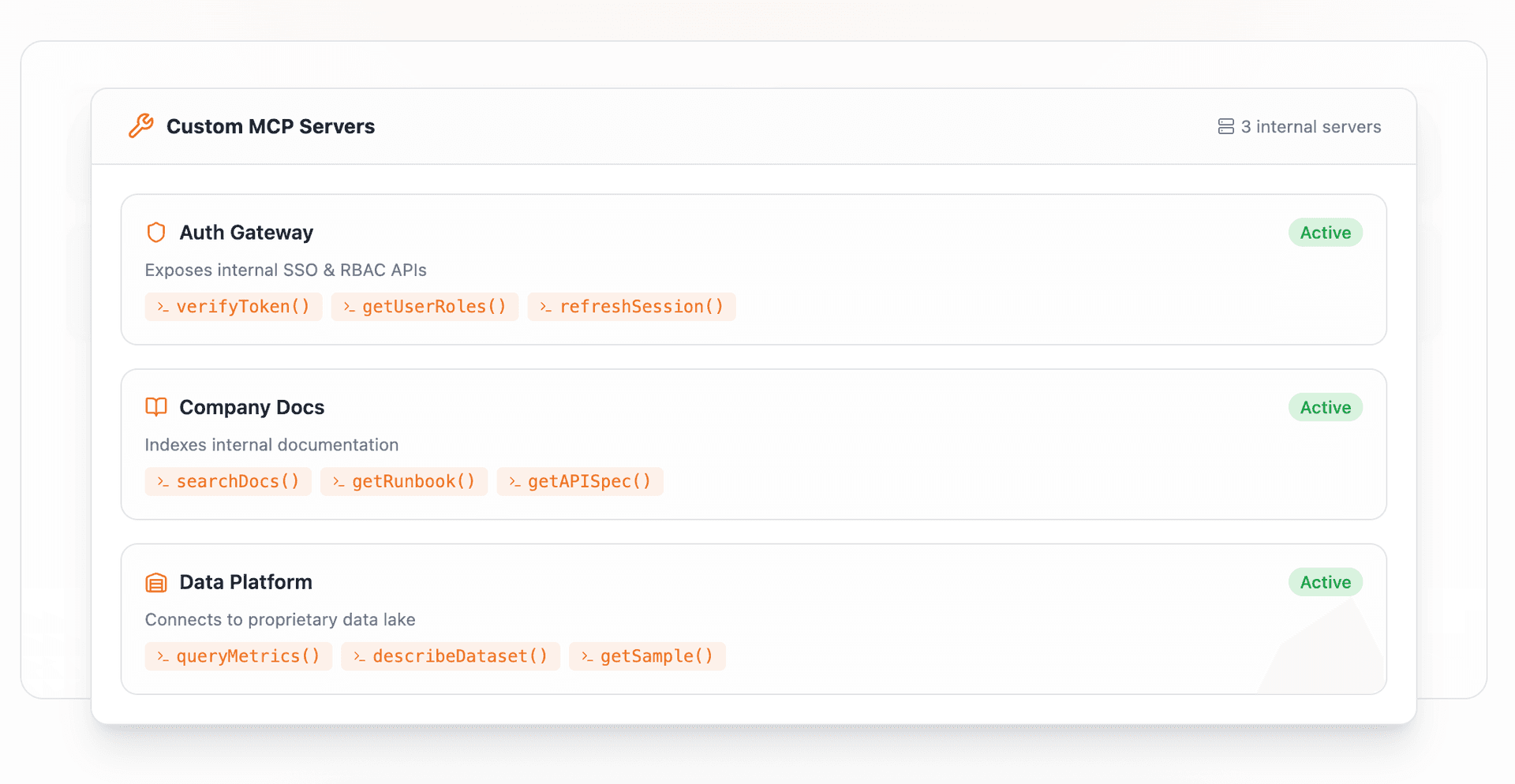
Extend WalnutAI’s capabilities with tools built for your team
Any team can build a custom MCP server that exposes internal systems — proprietary APIs, internal documentation, company-specific data sources — and connect it to WalnutAI. The AI agents then treat your internal tools as first-class capabilities, making them usable in every code generation and planning workflow.
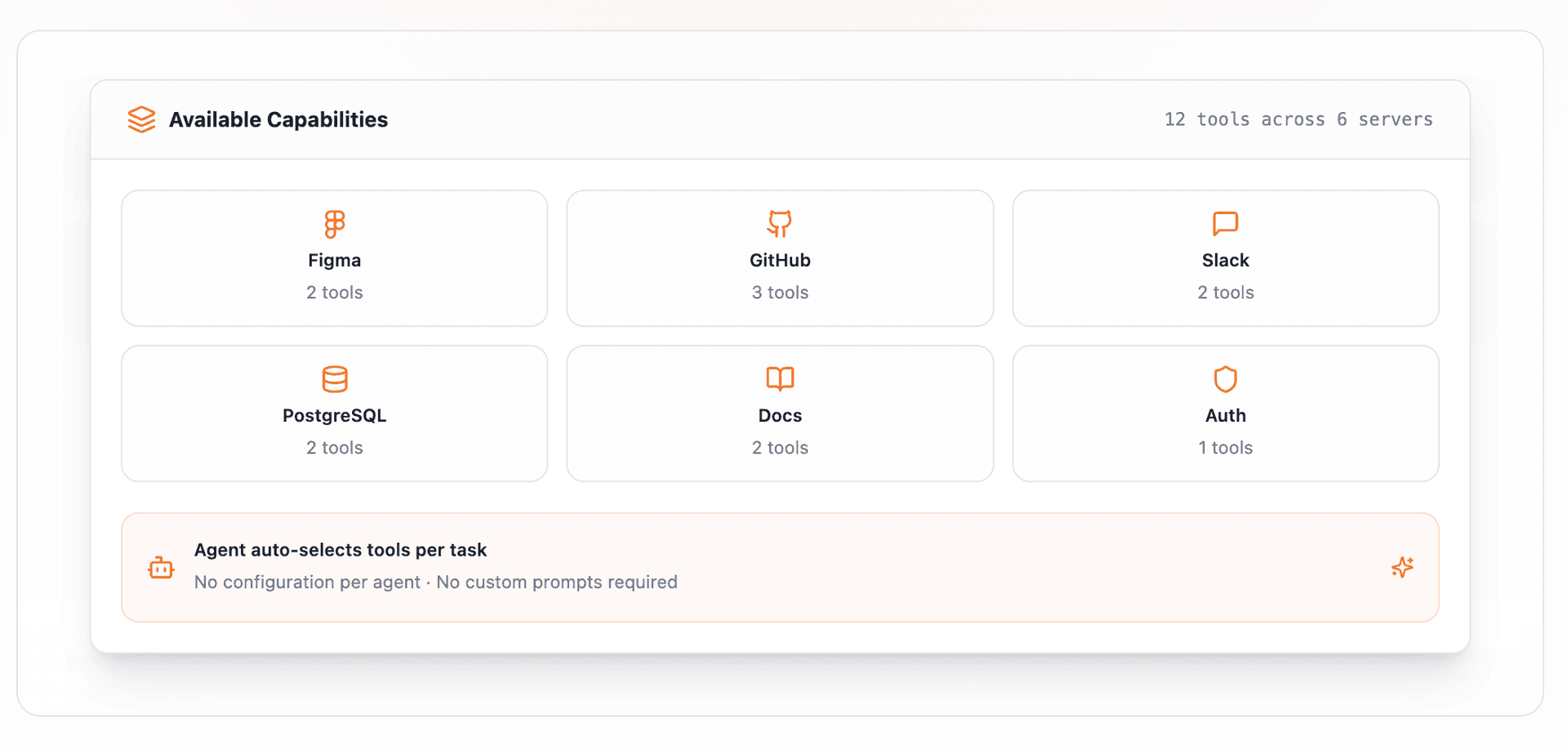
One consistent interface regardless of what tools you add
Adding or removing external MCP connections doesn’t change how developers interact with the code editor. Tools appear as available capabilities and the AI agents decide when to use them based on task context — no configuration per agent, no custom prompts required.
Ready to ship with confidence?
See how WalnutAI connects requirements, code, testing, and deployment into one intelligent workflow.