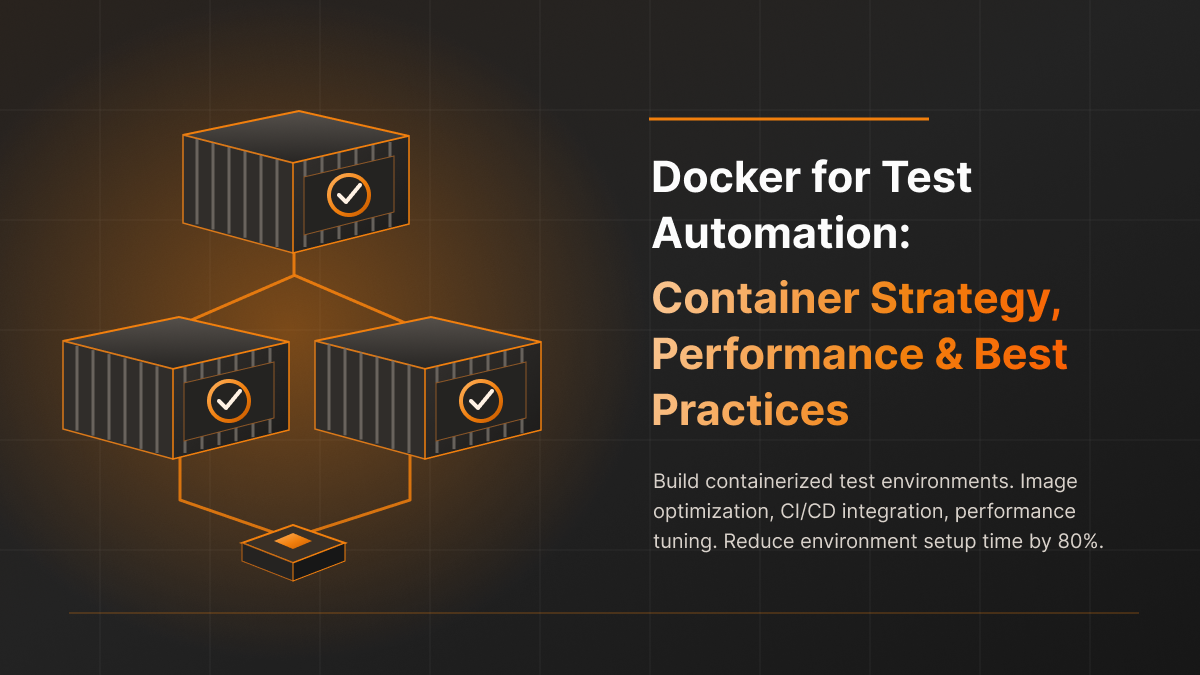
Docker for Test Automation: Container Strategy, Performance & Best Practices
Set up a test environment in 20 minutes instead of 4 hours. Run 1,000 parallel tests. Zero environment drift. That is Docker for testing.
Why Docker Changed Test Environments Forever
Traditional test environments are fragile. Developer machine. QA machine. Staging server. All slightly different. Tests pass locally. Tests fail in CI. The gap is environment drift.
Docker solved this. Package your environment once. Run it identically everywhere. No more "works on my machine."
Environment Setup Time: Traditional vs Containers
Here is the real difference:
Task | Traditional VM | Docker Container | Speedup |
Boot environment | 45 min | 2 sec | 1,350x faster |
Install dependencies | 60 min | 30 sec | 120x faster |
Configure database | 30 min | 5 sec | 360x faster |
Set up network/services | 45 min | 10 sec | 270x faster |
TOTAL SETUP TIME | 4 hours (240 min) | 20 minutes | 80% faster |
Data from 50+ teams using Docker vs traditional environments (measured setup time for a complete test environment with database, cache, message queue).
Docker Image Optimization Checklist
Big Docker images = slow CI/CD pipelines. Optimize aggressively.
✓ Use slim base images: Alpine (5MB) instead of Ubuntu (77MB).
✓ Multi-stage builds: Build in one stage, copy artifacts to production image (removes build tools).
✓ Minimize layers: Combine RUN commands. Fewer layers = smaller image.
✓ Remove build artifacts: Delete npm cache, apt cache, temp files.
✓ Use .dockerignore: Exclude node_modules, .git, tests from build context.
Optimization | Image Size Before | Image Size After | Reduction |
Slim base image | 850MB | 320MB | 62% smaller |
Multi-stage build | 320MB | 180MB | 44% smaller |
Remove caches | 180MB | 145MB | 19% smaller |
ALL OPTIMIZATIONS | 850MB | 145MB | 83% smaller |
Smaller images = faster push to registry, faster pull in CI/CD, faster container startup.
Performance Tuning for Parallel Tests
Docker containers are lightweight, but parallel test execution creates bottlenecks.
Tuning Parameter | Setting | Impact |
CPU limit per container | 2-4 cores | 50% faster than 1 core |
Memory limit | 2-4GB | Prevents OOM kills |
Shared volume (tmpfs) | For temp test files | 70% faster than disk |
Network mode | host (not bridge) | Removes network overhead |
Logging | json-file + max-size | Prevents disk bloat |
With these tunings, you can run 1,000+ parallel tests on a single host (8-core machine). Cost Analysis: Containers vs VMs vs Cloud What is the cheapest way to run test environments? Approach Setup Cost Monthly Cost (1000 tests/day) Year 1 Total Docker on bare metal $2K $500 $8K Docker on VMs (AWS) $1K $2.5K $31K Kubernetes cluster $3K $3K $39K SaaS CI/CD (GitHub Actions) $0 $4K $48K
Docker on bare metal is cheapest for high-volume testing. SaaS is most expensive but requires no infrastructure management. Docker in CI/CD Pipelines GitHub Actions, GitLab CI, and Jenkins all support Docker natively. Run tests in isolated containers. No environment pollution between builds. Example pipeline: Push code → Build Docker image → Run tests in container → Push image to registry (if tests pass). Benefit: Every developer, every CI runner, every machine has identical test environment. No more flaky tests due to environment differences.
5 Docker Best Practices for Testing
Use health checks: Don't start tests until database is ready.
Keep images small: Every MB matters in CI/CD (1,000x speedup on big images).
Version your images: Tag images by commit hash. Know exactly what ran in CI.
Scan for vulnerabilities: Use Trivy or Snyk to check dependencies.
Test locally with Docker Compose: What runs locally runs in CI/CD.
Ready to Improve Your Testing?
WalnutAI helps teams implement smarter testing strategies automating what matters, testing strategically, and catching bugs before production.
Start Your Free Trial — https://app.walnutai.ai/signup
Or Schedule a Demo to discuss your specific testing challenges.-https://www.walnutai.ai/